Identify any coin from a photo
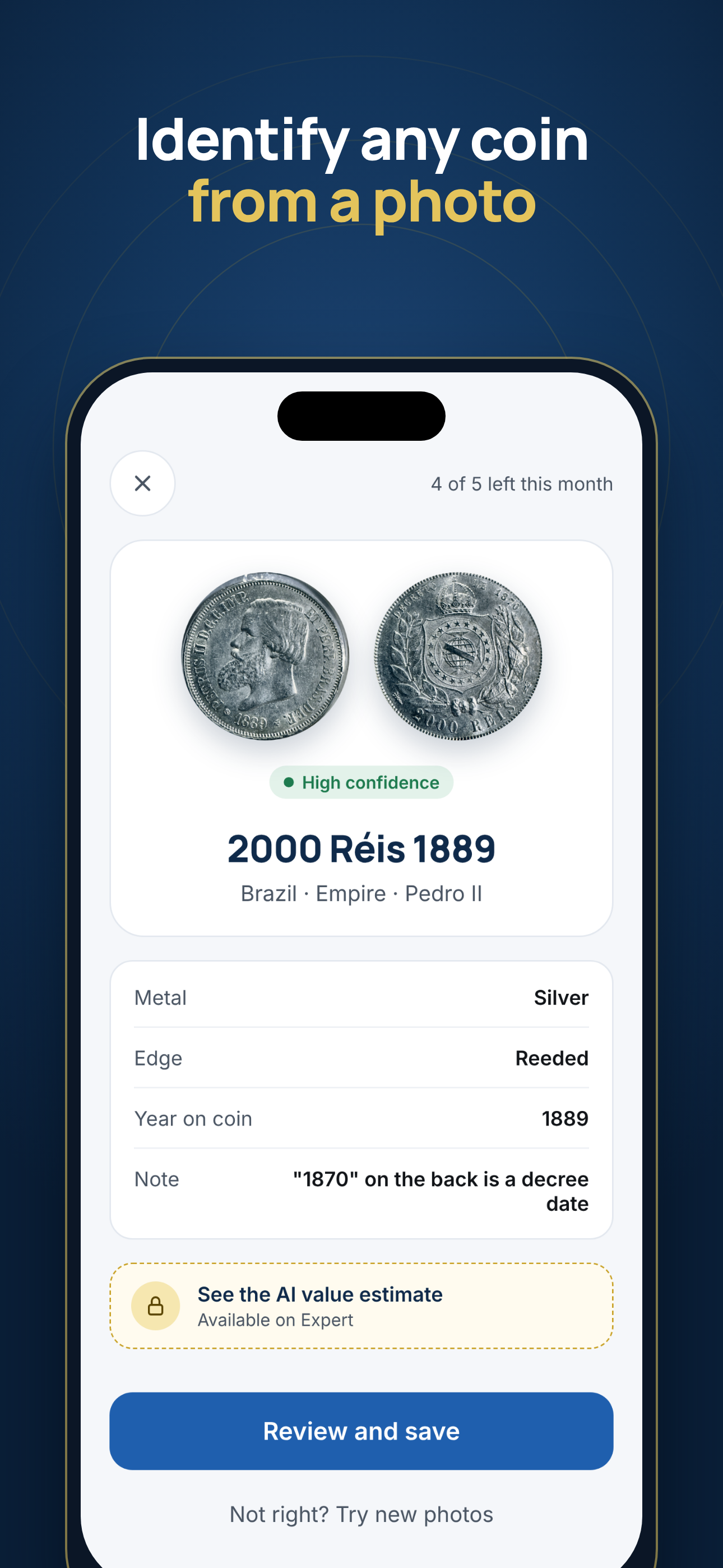
Take a photo of both sides. Keepmint tells you what the coin is, the year on it, its metal and edge, and shows how confident it is. You check the result and save it to your collection.
How to identify a coin with Keepmint
It takes about a minute, and you stay in control of what gets saved.
Photograph the front
Place the coin on a plain surface and fill the frame. Soft daylight works best.
Photograph the back
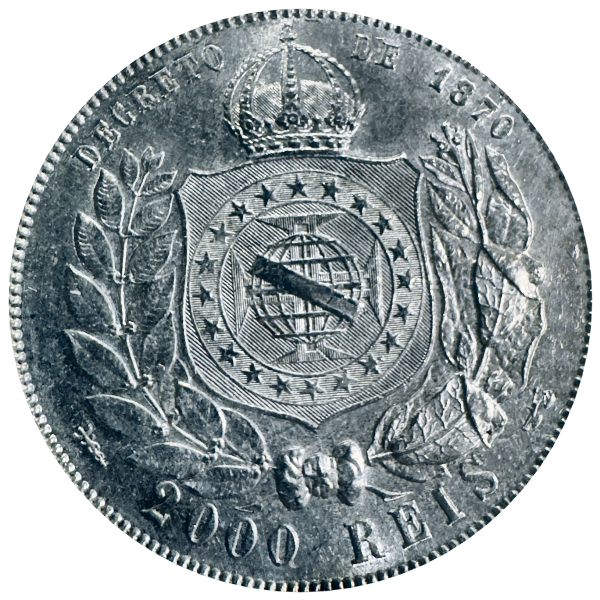
The back often carries the denomination, mint mark or decree date that settles the identification.
Review the suggestion
Keepmint suggests the coin, country, year, metal and edge, adds notes when something is easy to misread, and shows a confidence level.
Save it to your collection
Add what you paid, when and where you bought it, its condition and where you keep it.
What the identifier tells you
- The coin name and denomination, for example "2000 Réis 1889"
- Country and period, such as "Brazil · Empire · Pedro II"
- The year on the coin
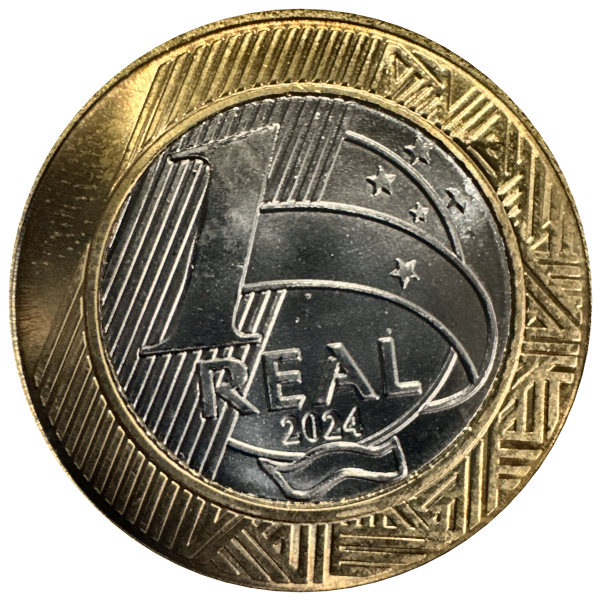
- Metal or composition, such as silver, copper or bimetallic
- The edge type: reeded, plain or lettered
- Notes on details that confuse people, like a decree date that is not the year of minting
- A confidence level, so you know when to double-check
Tips for a better result
- Use soft, even light and avoid flash glare on shiny coins
- Keep the coin flat and the phone parallel to it
- Fill most of the frame with the coin
- Use a plain, contrasting background
- Hold coins by the edge and never clean them before photographing: cleaning can lower their value
What happens to your photos
When you ask for an identification, the front and back photos are sent over an encrypted connection to our server, which passes them to our AI provider, Anthropic, for analysis. The result comes back to your iPhone. Our server does not keep the photos or the result after the request. The result is saved on your iPhone with the coin, so identifying the same photos again reopens it there without sending them again. Your saved coins stay on your device, and there is no account to create. Read the Privacy Policy for details.
Identify yours and log what you paid
Keepmint identifies a coin from a photo of both sides and keeps its price paid, date, condition and storage spot in one place on your iPhone.
Coming soon to the App StoreFree to download. For iPhone.
Frequently asked questions
How does the Keepmint coin identifier work?
You take a photo of the front and the back of a coin. Keepmint analyzes both photos with AI and suggests what the coin is, the year on it, the metal and the edge, with a confidence level. You review the suggestion and save it to your collection.
Is the coin identifier free?
Yes. The free plan includes a number of identifications every month, and the app shows how many you have left. The paid Expert plan adds more identifications. Prices are shown in the app before you buy.
Can it identify coins from any country?
Keepmint is built for both US and world coins. Older, worn or very rare coins are harder to identify from photos, so always check the suggestion, and edit it if something is off.
What if the identification is wrong?
Tap "Not right? Try new photos" and retake the photos with better light, or save the coin and correct the details yourself. AI results can be wrong, so treat them as a starting point, not a final answer.
Does the identifier tell me what my coin is worth?
The identification shows what the coin is. An AI value estimate is available on the Expert plan. Any value is an estimate, not an appraisal. See the coin value checker page for how Keepmint handles values.
Do you keep the photos I use for identification?
Our server does not keep them. The photos are sent over an encrypted connection to our server and to our AI provider, Anthropic, for analysis, and the result goes back to your iPhone. Our server keeps neither the photos nor the result after the request. Anthropic may keep API data for a limited time for safety monitoring under its own policy, and does not use it to train its models by default.